|
03.04.2008
Updated 23.04.2008
Vyatta VC4 - Advanced VPN Site-to-Site Connections - Part 3 - A look at the Diagrams of the GRE and IPIP over IPsec VMware Labs
- 1. Virtual Lab Scenario 1
- 2. Virtual Lab Scenario 2
I will use VMware Server (v1.0.4) to build the virtual labs.
Interesting, since VMware Server is free, and so is the community edition of Vyatta, the cost of these labs depends on the host machine's hardware, hardware capable of supporting these labs (actually you do not require a very powerful machine for running these labs, so no need for a high priced mean machine).
And, as said in a previous article, since Vyatta runs in VMware, testing was never so easy before (compared with the testing of proprietary routers). And you can't do a real deployment without doing some tests first.
So add all these to the list of reasons for using Vyatta in your testing and learning lab.
We have three virtual offices: HQ, Branch1 and Branch2. Each virtual office is using a Vyatta OFR VC4 as an Internet Gateway/VPN Gateway/Firewall.
We are looking to connect these offices together using VPN links.
The desired VPN topology will be a hub-and-spoke one, and maybe a full mesh one.
Basically two scenarios can be easily accomplished: a simpler one and a more realistic one.
If you plan to test GRE/IPsec or/and IPIP/IPsec in your lab, I recommend you the more realistic test scenario. You will get better and more accurate results.
1. Virtual Lab Scenario 1
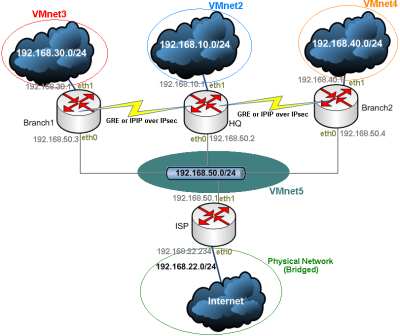
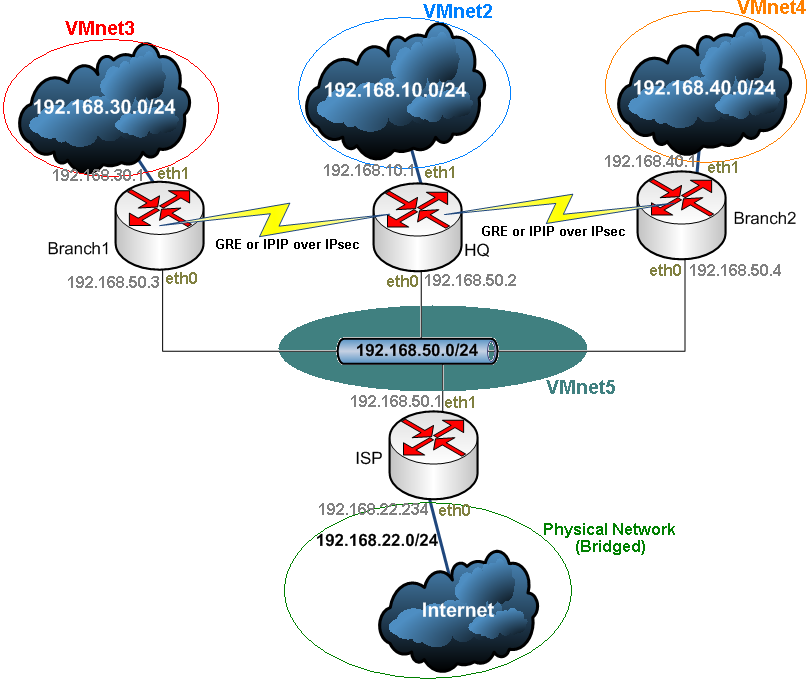
Figure32: Virtual Lab Scenario 1
In the scenario from Figure32 all three VPN gateways are directly connected (there is no device separating them). Obviously this is not a very realistic approach. But it is quite easy to use.
Also there is another Vyatta VC4 machine called ISP. This one is used to provide Internet connectivity for the three virtual offices. So a host behind one of the other three Vyatta VC4 machines will be able to access Internet too.
2. Virtual Lab Scenario 2
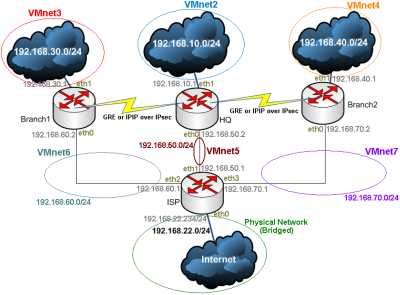
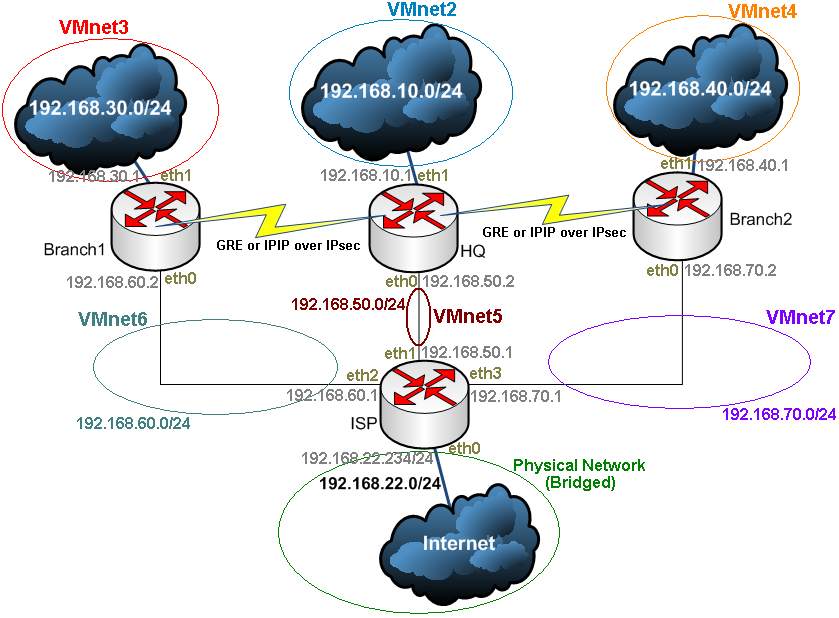
Figure33: Virtual Lab Scenario 2
Now, in the scenario from Figure33 all three VPN gateways are connected through the ISP VM. This is a more realistic approach since now traffic between the VPN gateways must pass through another machine in order to reach its destination (there is a next hop).
So the Vyatta VC4 machine called ISP separates the three VPN gateways and is used to provide Internet connectivity for the three virtual offices.
In Part 4 we will start creating the VMs.
|